
Vanduul-Tech Smugglers Guide for Star Citizen 4.10.x
To finish "Vanduul-Tech Smugglers" in Alpha 4.10.x LIVE, download five encrypted data packets from lieutenants across QV Station, a derelict Polaris and the nearby Auxiliary Station, then upload them at Security. This Nyx contract combines ship combat with corridor fights and pays approximately 1 million aUEC.
A clean run takes about 45–75 minutes for a practiced player. Allow 90 minutes or more while learning the layout or exploring the optional warehouse. Treat its loot as a bonus, and keep in mind that missing lieutenants or broken interactions can block completion.
Published: · Applies to: Alpha 4.10.1 LIVE
How to unlock Vanduul-Tech Smugglers
Travel to Nyx and raise your InterSec Defense Solutions reputation to Jr. Contractor, which begins at 800 faction reputation. Then look for "Vanduul-Tech Smugglers" under Investigation.
The first contract is a one-time introduction. Completing it unlocks the repeatable "Retrieve Additional Smuggler Intel" contract and more InterSec work involving Vanduul corpses, metal and plating.
The follow-up can appear again immediately after a successful run, though you can hold only one at a time. Abandoning it can delay the next offer by about an hour, and you should expect to start the objectives again when you accept a replacement.
If you want another mission line to work through in Nyx, see the Recco Battaglia guide.
What to bring to QV Station
Choose a combat ship that can handle a small Vanduul wave and use the assigned hangar. You'll leave it parked while working through the station. A durable medium ship gives a new crew room for supplies and loot; solo players should bring strong forward weapons and consider carrying a Nursa or using another regeneration option. Test the respawn point before relying on it.
Bringing a Cutlass Black? The Cutlass Black loadout guide covers shield upgrades, pilot weapons and power allocation. If you're setting out from Levski and cannot retrieve a usable ship or lift off, check the Levski hangar troubleshooting guide before committing to the run.
Pack the following for the FPS section:
- A primary weapon, a backup and enough magazines for several station fights.
- Medium or heavy armor with a backpack.
- A medical gun, spare medpens, food and water.
- A multitool with a tractor attachment.
- A Cambio SRT and spare canisters if you plan to open the optional rooms at Auxiliary Station.
- At least one spare fuse.
- Free ship storage for components or physical mission items.
The corridors favor a gun you can control at close range and carry plenty of ammunition for. The FPS weapons guide can help you choose one; the S2 and S3 ship-weapons guide covers the guns for the approach fight.
QV Station mission walkthrough
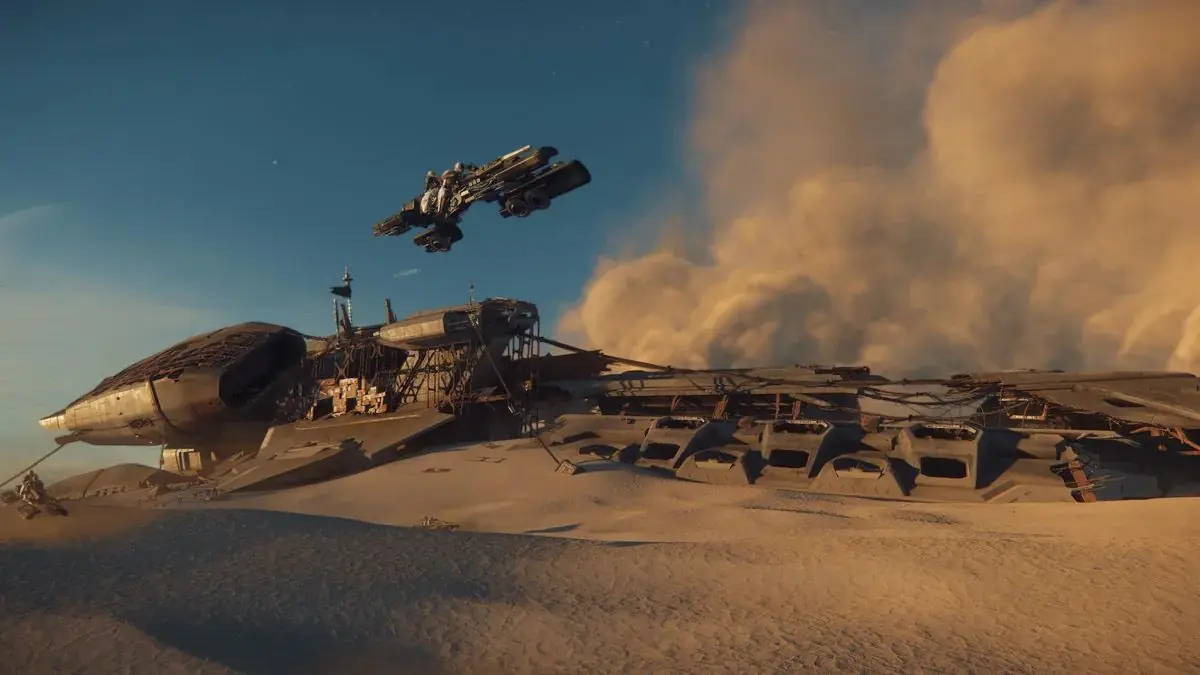
As you work through the old QV Planet Services logistics station and nearby wrecks, download each lieutenant's data before looting the body, then take the decryption key. Opening the inventory alone does not advance the investigation objective.
If you find a blank warehouse passcode disk, keep it separate from the mission keys. The optional encoding stops below will prepare it to open the loot room.
1. Clear the QV Station approach
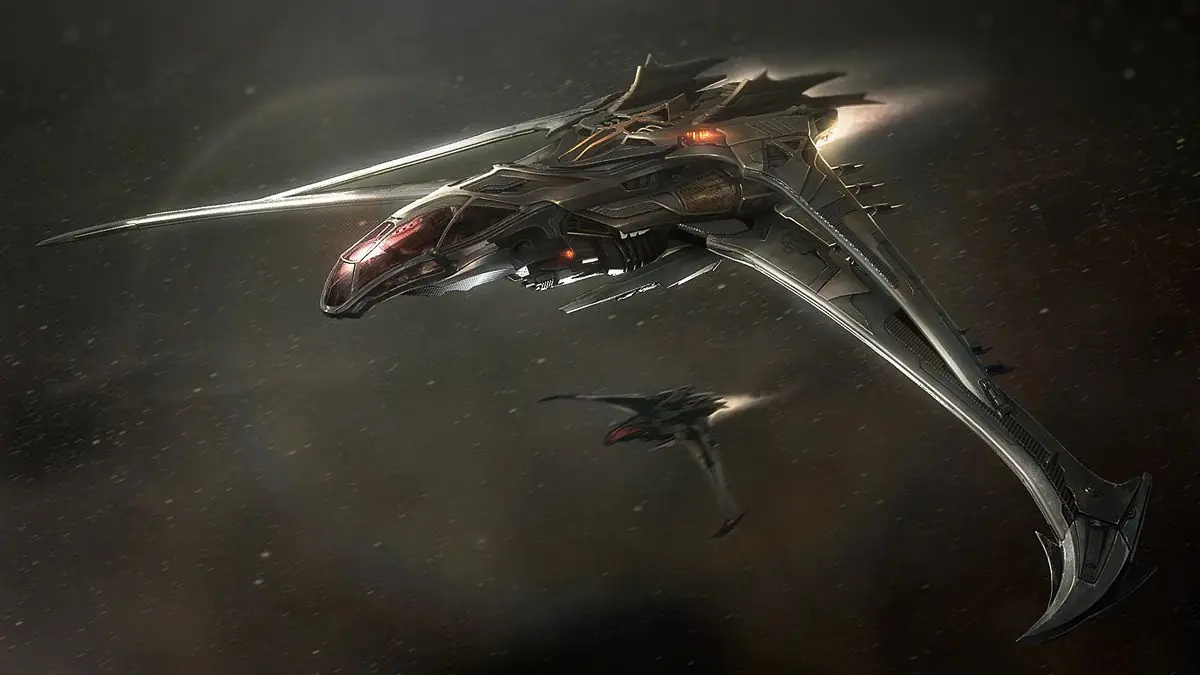
Clear the four to six Vanduul ships before landing in the assigned mission hangar. The wave can include Blades, Glaives, Scythes and a Stinger.
Test the hangar inventory screen and freight elevator before leaving your ship. If they do not respond, skip bulky loot. A working hangar lift does not guarantee the warehouse elevator will work later.
2. Lift the lockdown
From the entrance, go upstairs to the left, cross the boards behind the sign and enter the Maintenance room. Clear the nearby hostiles, then pull the reset lever into the down position.
Reload before crossing the central atrium, where another ambush can trigger. Keep your return path covered rather than chasing a lone enemy into a side corridor. Use the atrium clinic if needed before continuing to Security.
3. Collect the first data in Security
Clear the Security office and find the first lieutenant. Interact with the body to download the encrypted data before taking the decryption key. Use the Security terminal when the objective prompts you.
If you have a blank warehouse disk, encode it to 33% at the Security server rack. Otherwise, continue to the cargo decks without it.
4. Clear Cargo Decks A and B
Clear both cargo decks and find the marked lieutenant on each. Download the data, then take the key. Interacting with either body can trigger an ambush from the entrance; deal with any attackers before sorting loot.
5. Board the Polaris
Return to the hangar to rearm and heal before heading to the derelict Polaris. Leaving the station can trigger another Vanduul wave.
Enter through the port-side docking collar, reach the bridge lieutenant and collect the data and key. If you brought a warehouse disk, encode it to 66% at the Polaris server rack. Check for Testudo boxes if you want extra gear, but their contents and availability vary.
6. Find the Auxiliary Station access card
Search the marked body among the neighboring derelicts for the Auxiliary access card. Approaching them can trigger more Vanduul fighters. Bring the card back to Auxiliary Station to open the locked route.
Reach the final lieutenant, download the data and take the key. If you carried the warehouse disk this far, encode it to 100% at the Auxiliary server rack.
Optional rooms can require a laptop code, a fuse and a Cambio SRT for damaged access; skip them if those interactions fail. A missing access-card body or blocked path to the lieutenant may prevent you from completing the mission.
7. Return to Security and upload the data
With all five downloads collected, return to the Security terminal. Insert the requested decryption key or keys and upload the data to complete the contract.
If you have all five downloads but a key was missing, try the terminal with the keys you collected. It sometimes accepts fewer physical sticks, but collecting one from every lieutenant remains the intended route.
Keycards, data packets and the warehouse passcode
The lieutenant keys, Auxiliary access card and warehouse disk have separate jobs. Keep track of which one you're carrying before trying a locked door or terminal.
| Item | Needed for | What to do |
|---|---|---|
| Lieutenant decryption key | Mission decryption | Take each available key after downloading the lieutenant’s data; bring it to Security |
| Encrypted data packet | Each investigation objective | Download from all five lieutenants: Security, Cargo A, Cargo B, Polaris and Auxiliary |
| Blank passcode disk | Optional warehouse access | Encode at Security, Polaris and Auxiliary until it reaches 100% |
| Auxiliary access card | Required Auxiliary route | Take it from the marked body among the derelicts |
| Laptop code and fuse | Optional Auxiliary rooms | Search nearby; use the fuse or Cambio SRT where prompted |
How to open the QV Station loot room
Use the warehouse passcode disk once it reaches 100% to open the QV Station loot room. Check the elevators before committing to a haul, and keep your expectations modest: you may find useful ship components and weapons, or arrive at a room with very little left.
QV is a shared location, so earlier visitors and the station's current state affect what is available. The same goes for Testudo boxes elsewhere on the route. Judge the haul when you see it, then decide how much is worth carrying out.
Leave inventory space before swapping into looted armor. Moving from medium or heavy armor to a lighter set through the loot window can make items that no longer fit disappear; the armor-swap inventory bug guide explains the affected case. There is no dependable way to get those items back once they're gone.
Check the hangar freight elevator again before hauling large components to the warehouse exit. Players have moved smaller pieces through the passenger elevator when freight handling failed, but it is slow and awkward. Leave oversized loot behind if getting it out puts your ship or character at risk.
Before loading Vanduul cryopods, plating or metal, check that you have accepted the matching collection contract. "Recover Vanduul Corpses" calls for five cryopods; "Recover Vanduul Tech" asks for five units each of plating and metal. You earn those payments by delivering the requested items under their separate contracts, so leave them out of the base payout for "Vanduul-Tech Smugglers."
Vanduul-Tech Smugglers payout and reputation gain
Check the contract card before accepting. Approximately 1 million aUEC is the current planning figure, but earlier patches used different payouts.
The one-time "Vanduul-Tech Smugglers" introduction also awards 50 MG Scrip and +100 InterSec Defense Solutions reputation. On subsequent runs, "Retrieve Additional Smuggler Intel" gives you 30 MG Scrip and the same +100 reputation gain. You may receive a blueprint reward as well; check your Journal and fabricator after completion to see what was awarded.
If you're choosing your next FPS mission for equipment unlocks, the Siege of Orison loot and blueprint guide covers BUL-H4 rewards and the Vendetta exchange route.
Solo or group?
Solo is viable once you know the route. You always know who has the keys, but there is nobody to revive you or cover the corridor while you deal with a problem. Bring spare medical supplies and enough ammunition to finish without using station inventory.
A two- or three-player crew makes the fighting more forgiving, with extra firepower and someone to help a downed teammate. Before the first lieutenant, choose one person to confirm every download and carry the mission keys. If you pursue the warehouse, give its passcode disk to a second player so everyone knows where both sets of items are.
When the mission stops progressing
A lieutenant or decryption key is missing
Search the marked combat area again and check whether you downloaded the lieutenant's data or only opened the inventory. If all five downloads are complete, the Security terminal may still accept the keys you have, as described in the final step above.
If the lieutenant never spawned, there is no reliable way to reset that encounter within the mission. Finish any fighting or looting you still want to do, then leave the shard.
Inventory or freight elevators do not work
Skip bulky loot and continue with the investigation if the required mission interactions still work. You do not need to empty the warehouse to complete the contract.
The warehouse is empty or already cleared
Finish the contract and move on. Changing servers just to search the warehouse again can eat into the time you saved by completing the route cleanly.
Respawning leaves you with broken objectives
A medical vehicle or ship parked nearby can shorten the trip back, but station triggers may stop working after you respawn. Check the contract markers before returning. If they still point to the correct QV location, you can try to continue; if they change to a generic Nyx marker or interactions stop responding, it is time to leave that attempt.
You abandon or restart
Start the objectives again on the replacement contract. Physical items may remain in your inventory, but downloaded data and completed steps may not carry over.
Completion time and aUEC per hour
Once you know the layout, skipping most loot can bring a clean run down to 45–75 minutes. A first clear, a crew learning the station or a thorough warehouse visit can take 90 minutes or more.
At an approximately 1 million aUEC payout, the contract-only rate looks like this:
| Successful run time | Contract-only rate |
|---|---|
| 45 minutes | About 1.33M aUEC/hour |
| 60 minutes | About 1.0M aUEC/hour |
| 75 minutes | About 800k aUEC/hour |
| 90 minutes | About 667k aUEC/hour |
Those successful runs work out to roughly 0.7–1.3 million aUEC per hour before optional loot. They do not account for failed attempts or long delays, so judge the mission by the time you actually spend from accepting it to getting paid.
Older hourly estimates may use different mission payouts or include warehouse loot. Use the payment on your contract card and your own completion time when deciding whether another run is worthwhile.
Sources
- Star Citizen Alpha 4.10.1 — LIVE release context.
- Vanduul-Tech Smugglers one-page guide — the original QV walkthrough and warehouse encoding sequence for Alpha 4.4.
- Subliminal's Vanduul-Tech Smugglers page — introduction requirements, reputation and rewards.
- Subliminal's Retrieve Additional Smuggler Intel page — the repeatable follow-up and cooldown behavior.
- Star Citizen 4.10 aUEC discussion — player reports of the current payout.
- July 2026 QV mission discussion — player experiences with keycards, solo runs and loot.